Manawa & checkyeti join forces: a new era for outdoor adventures in Europe
Discover a new way to explore Europe: checkyeti and Manawa are joining forces to offer even more outdoor adventures across the continent.
Activity couldn't go ahead? Here's how to trigger a refund directly from your back-office, no email needed, no waiting.
Welcome to Manawa, the website for booking outdoor activities around the world. From diving to canyoning, we connect adventure enthusiasts with professional local instructors to guarantee unforgettable experiences.
API-connected partners: This guide applies to you too. Refunds are not handled by your booking software, they always go through your Manawa back-office or via [email protected].
Impossible weather, an unavailable guide, a last-minute emergency… Sometimes an activity simply can't go ahead. In that case, you can trigger a customer refund directly from your partner space, no email, no waiting.
Read this guide carefully before using the tool: a triggered refund is irreversible.
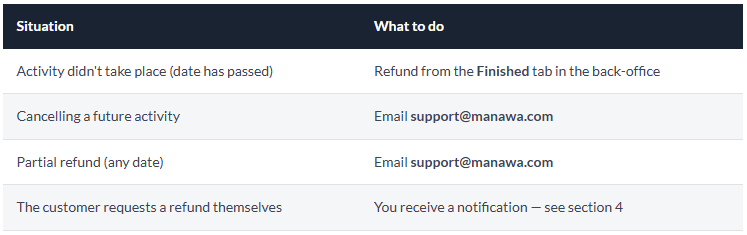
The refund tool is only available for activities whose scheduled date has already passed. You cannot refund a future activity from this tool, for upcoming cancellations, contact [email protected].
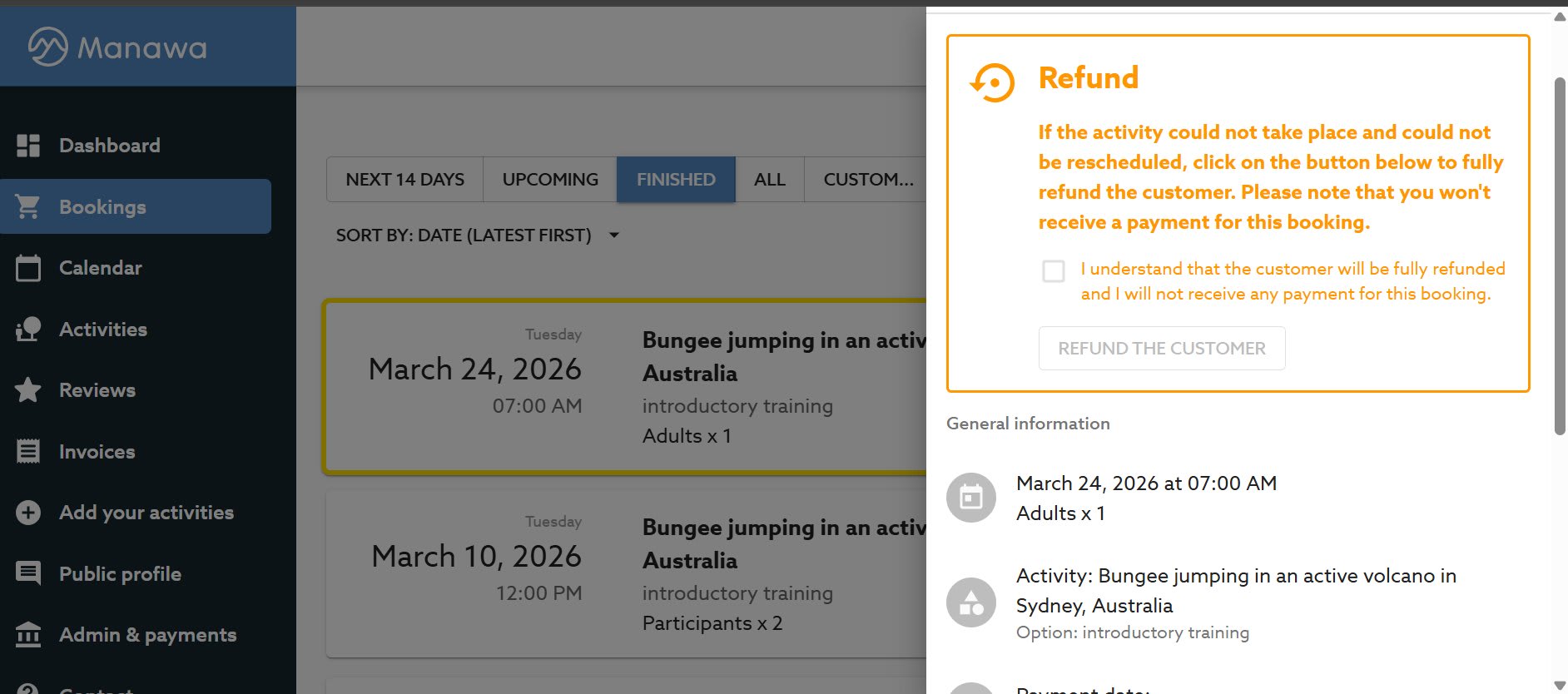
As soon as you click "Refund the customer": the customer is fully and immediately refunded, you will not receive any payment for this booking, and the activity will be permanently marked "Cancelled & Refunded". There is no way back.
Once the refund is triggered, you receive a cancellation confirmation email. There's nothing else to do, Manawa handles the refund on the customer's end.3
The back-office tool only handles full refunds. If you need to partially refund a customer (e.g. 50% refund after a degraded weather situation where the activity was shortened), you need to go through our support team.
ℹ️ How to proceed : Send an email to [email protected] specifying: the booking number, the amount to refund, and the reason. Our team handles the rest.
When a customer initiates a cancellation request from their side, you receive an email notification with all the booking details and a direct link to respond. You can also find it in your back-office.
⚠️ If you accept : The refund is processed automatically and immediately. If in doubt (weather conditions, cancellation policy, ongoing dispute with the customer), email [email protected] first before confirming, our team can advise you or handle the situation manually.
For any complex situation, partial refund, customer dispute, cancellation of a future activity, email [email protected] before doing anything. We'd always rather talk it through than deal with an irreversible mistake.

Head of Supply & Outdoor Partnerships at Manawa, I am passionate about outdoor activities and dedicated to making them more accessible to convince everyone to go out and discover them!
Discover a new way to explore Europe: checkyeti and Manawa are joining forces to offer even more outdoor adventures across the continent.
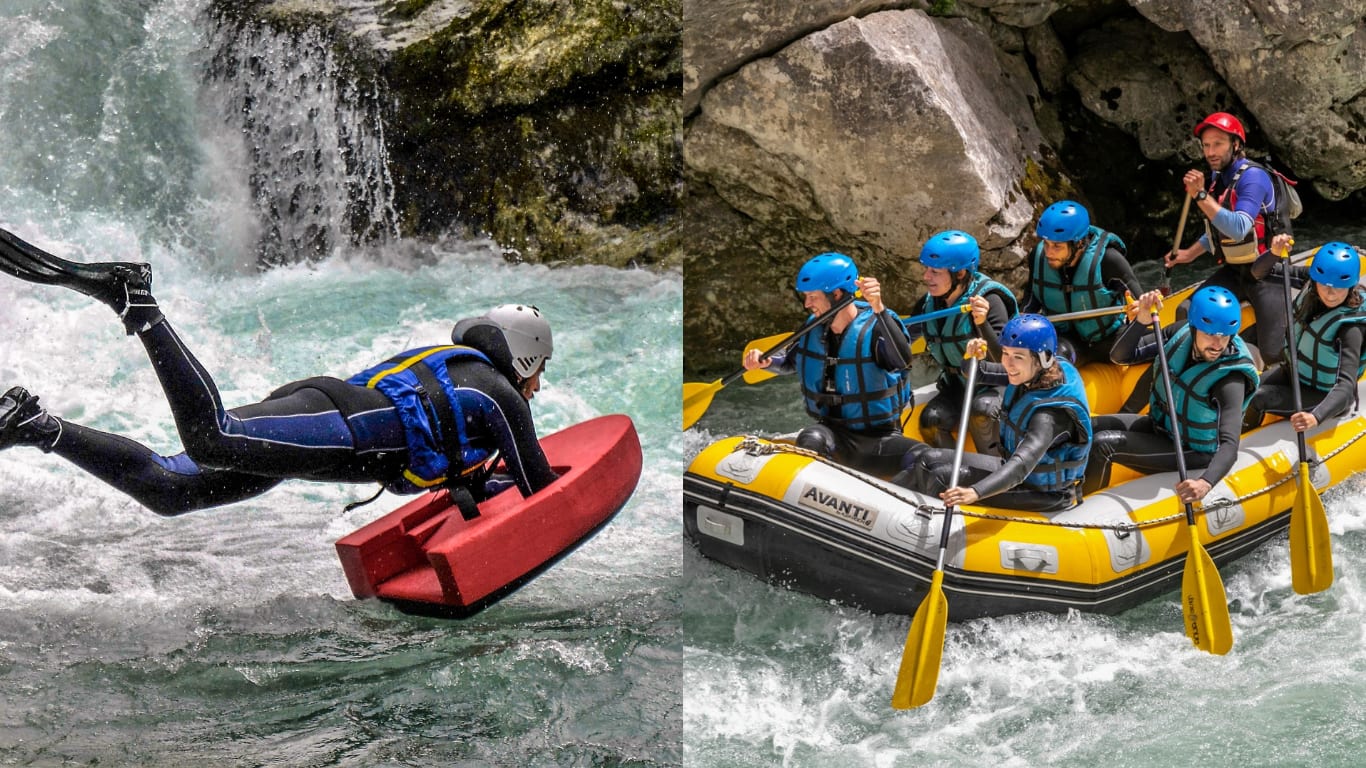
Choosing between rafting and hydrospeed for your next river trip? Discover the key differences to find your perfect whitewater match.
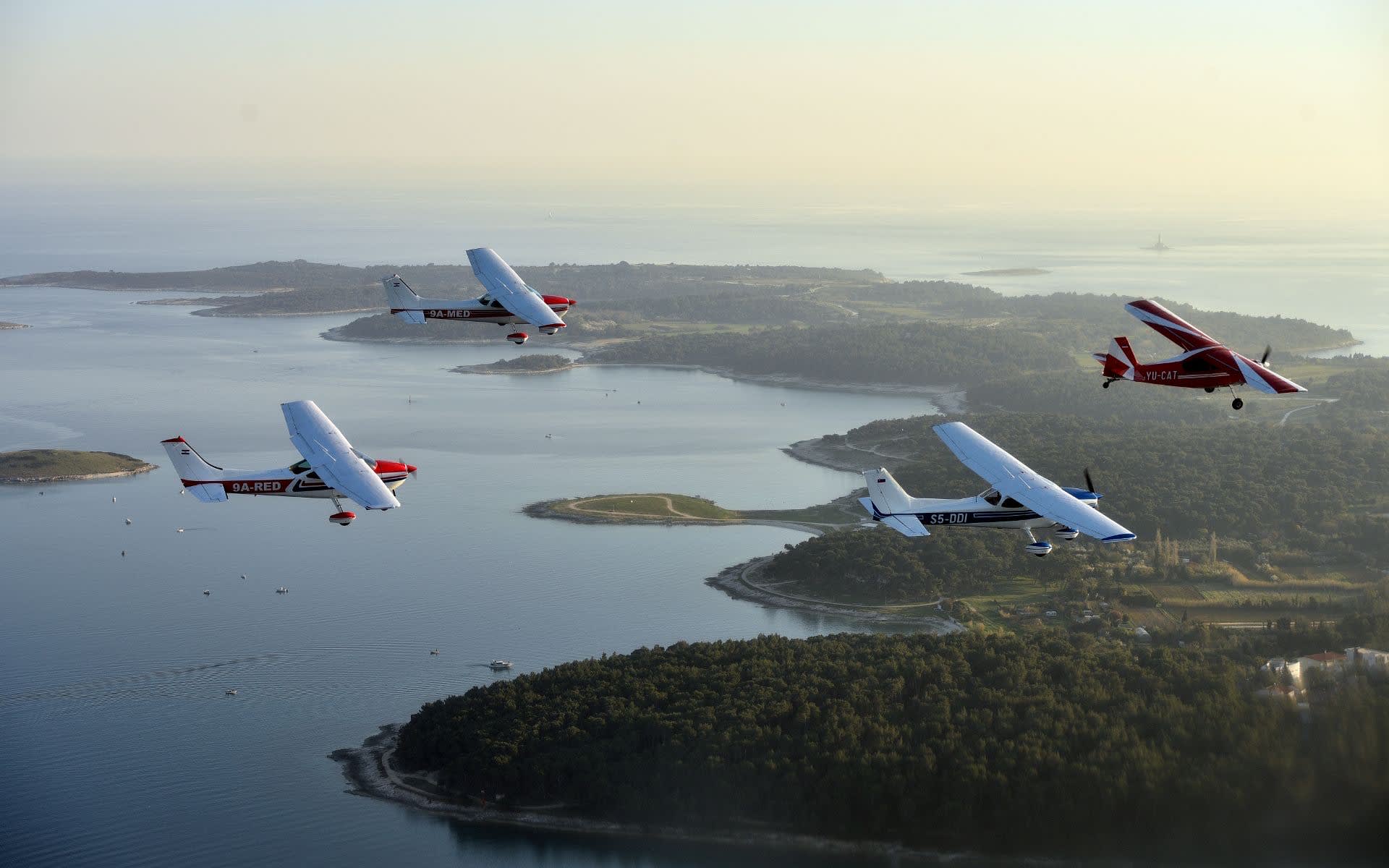
Accept, reschedule or decline a request, and find your customers' contact details, everything you can do from the Bookings tab in your back-office, in just a few clicks.
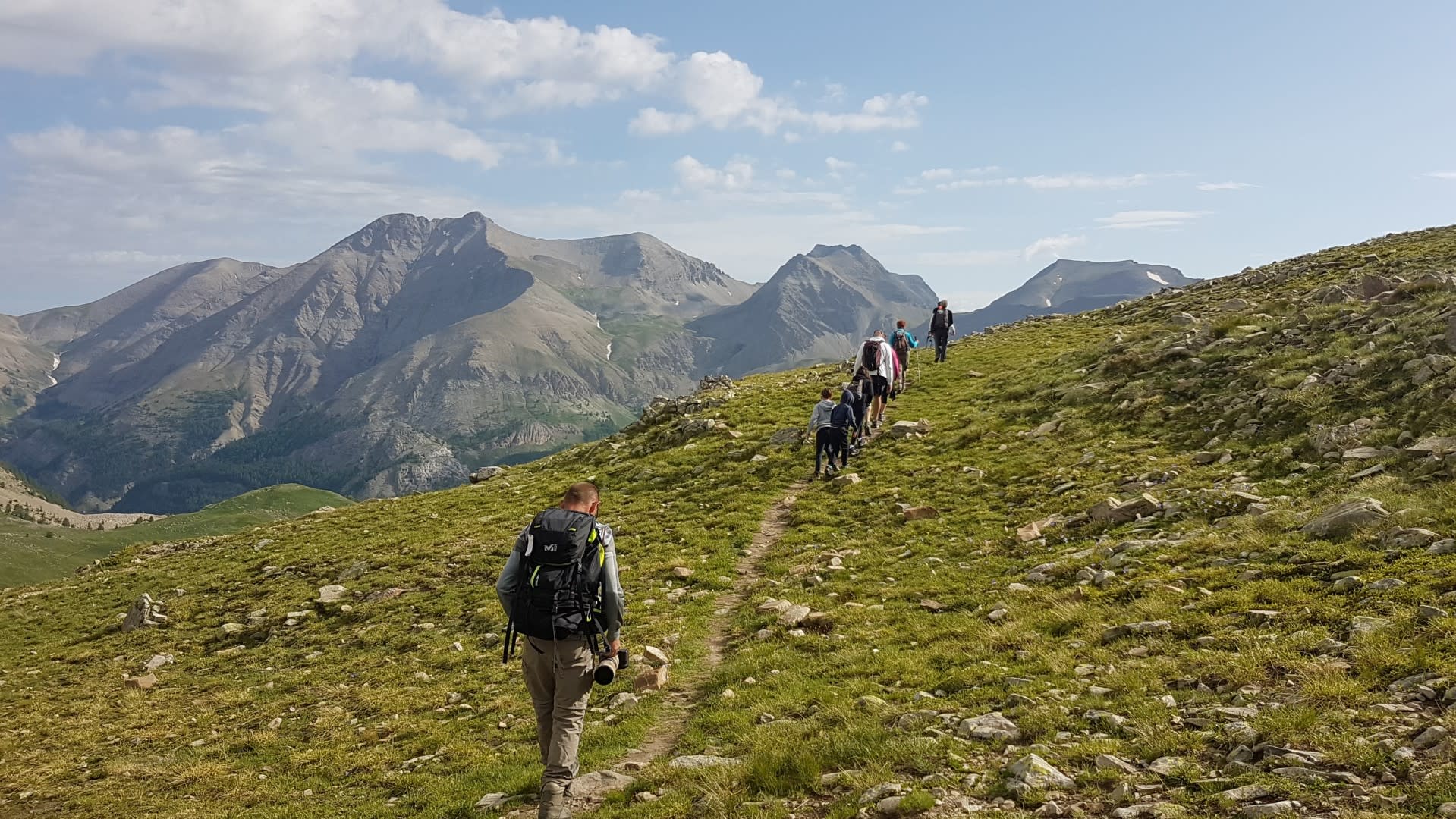
Master the hiking essentials with this complete beginner's guide. Learn how to choose the right trail, pack smart, and stay safe while exploring the best hiking spots.
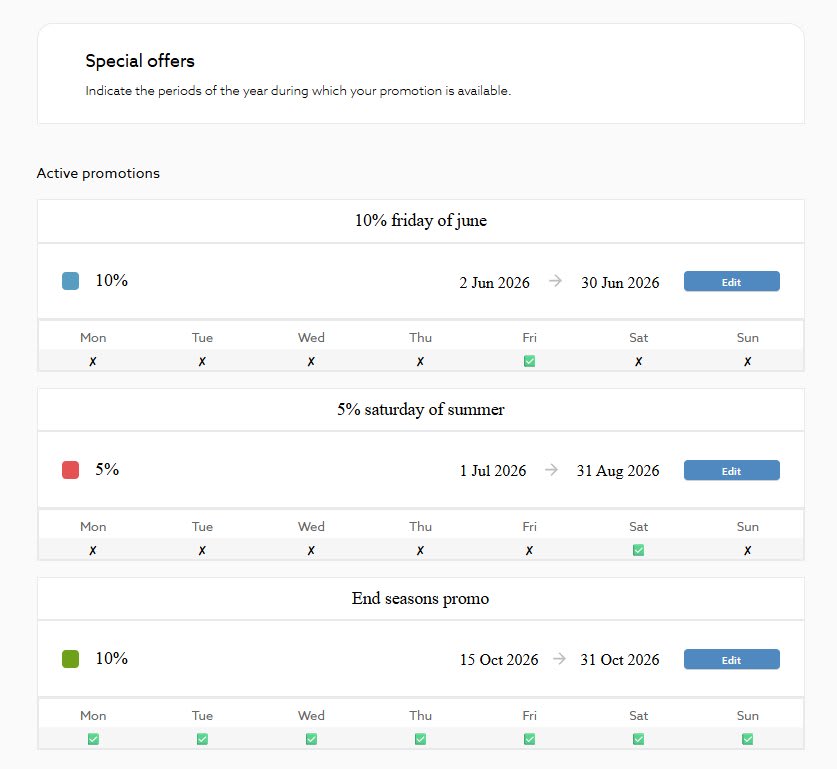
Fill your quiet slots and display a crossed-out price on your Manawa page in just a few clicks. The complete guide to creating, managing and optimising your promotions, available to
Close a time slot, limit your available spots or block an entire week in 2 clicks from your back-office. The step-by-step guide to keeping your Manawa calendar always up to date, an